⚡ TL;DR
We got a Radeon RX 7900 XTX (24GB VRAM) running ML inference on a MacBook Pro M1 via Thunderbolt eGPU, using TinyGrad with a small patch. Everyone said it was impossible — we asked Claude, Grok, ChatGPT, and Perplexity. All of them said it couldn't be done. It technically works — but it's slow, impractical, and we ended up switching to MLX on Apple Silicon for actual production use. This post documents the experiment for anyone curious about the technical details.
🧩The Problem
Apple Silicon Macs are great, but if you want to run larger ML models, you're limited to the unified memory of your Mac. An M1 has 16GB shared between CPU and GPU — not enough for serious LLM work.
External GPUs (eGPUs) seem like the obvious solution: plug in a powerful desktop GPU via Thunderbolt and get 24GB of dedicated VRAM. But:
Apple dropped eGPU support in macOS Ventura for Apple Silicon
NVIDIA doesn't work on macOS at all (no drivers since Mojave)
AMD Radeon + TinyGrad on macOS? “Not possible” — said everyone on Discord, Reddit, GitHub Issues, and every AI we asked (Claude, Grok, ChatGPT, Perplexity)
We're stubborn, so we tried anyway. Spoiler: they were mostly right — not about whether it's possible, but about whether it's practical.
🔧Hardware Setup
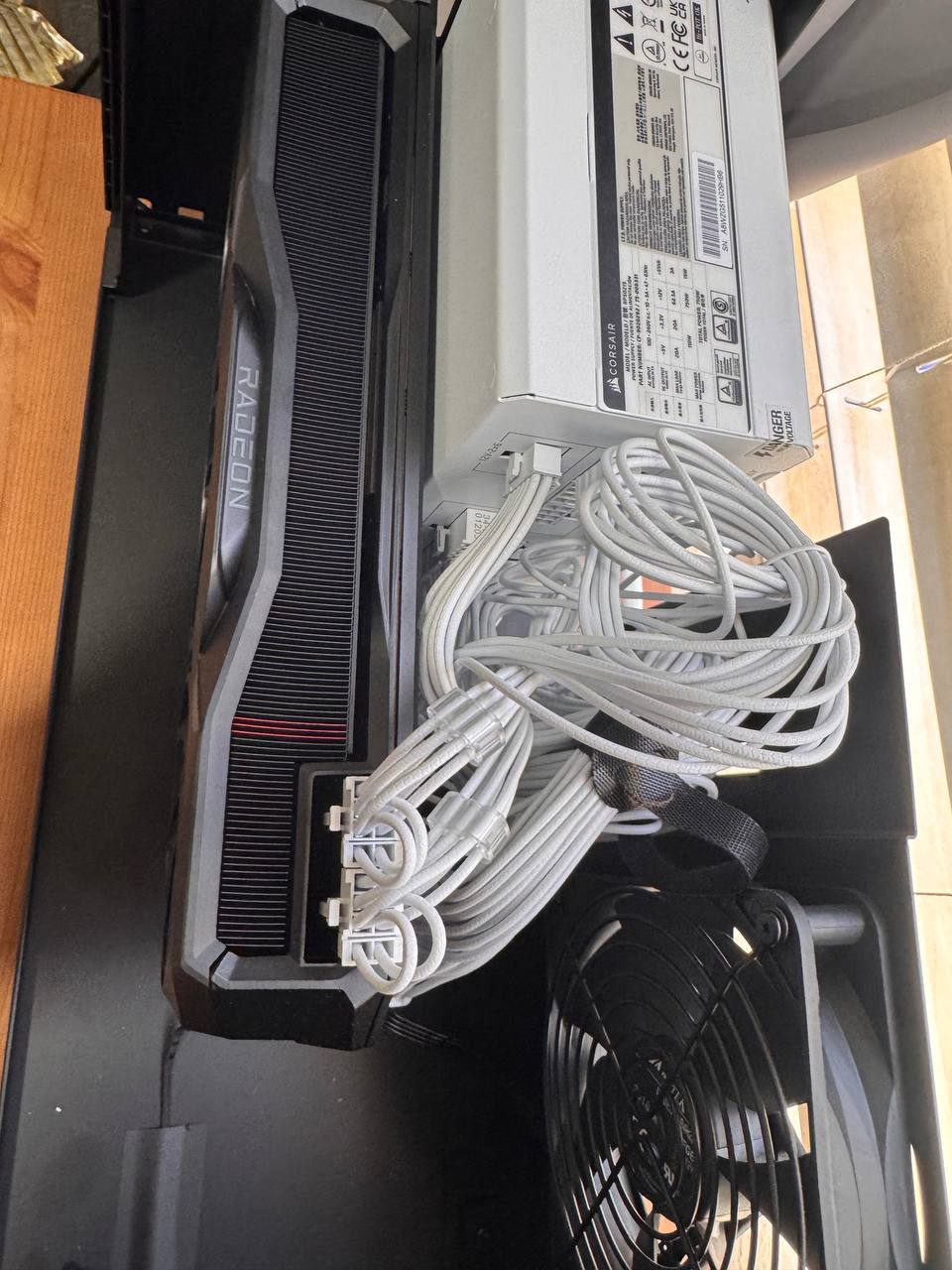
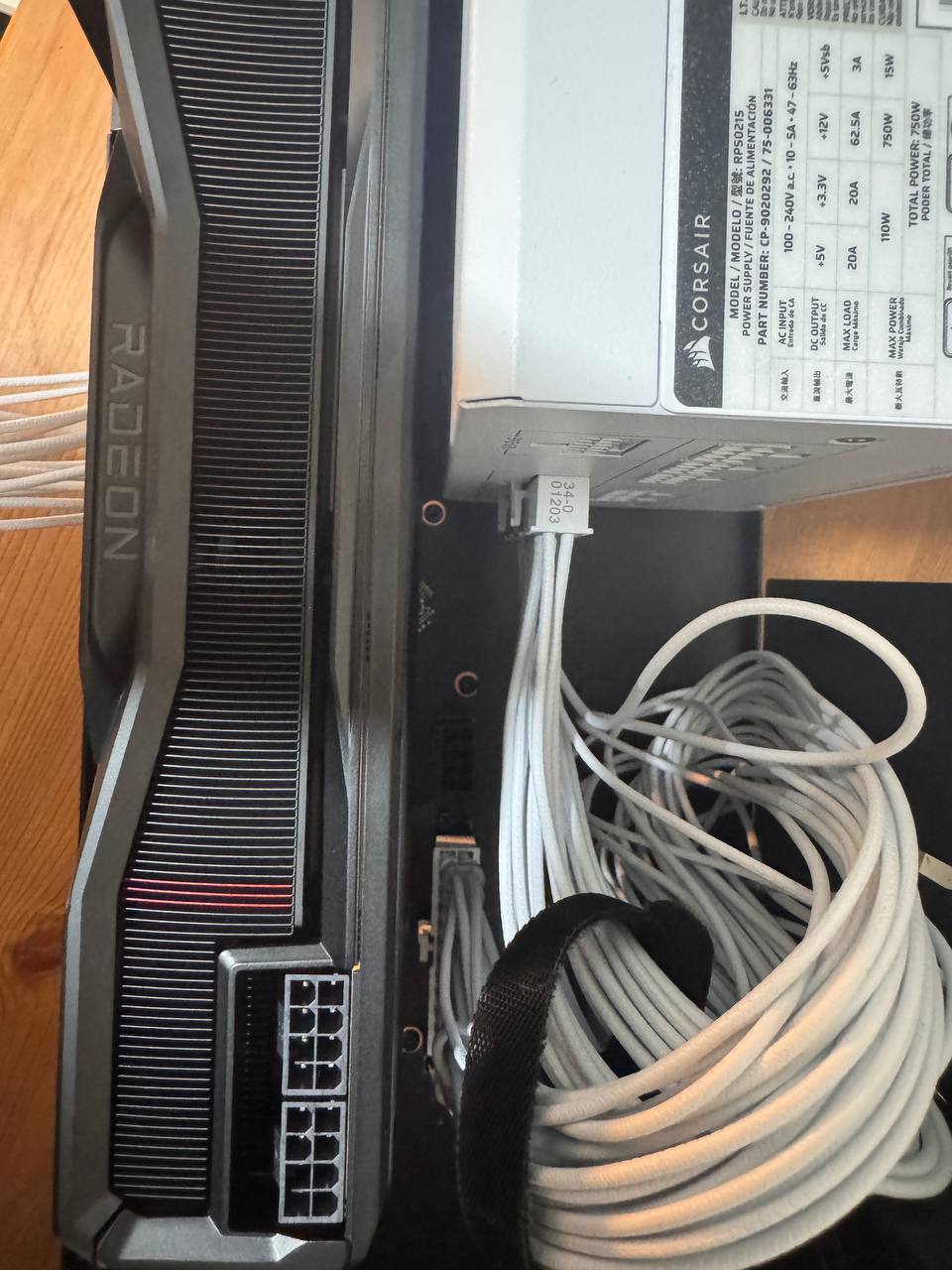
Critical Detail: TinyGPU.app
The magic ingredient is TinyGPU.app — a macOS app that creates a virtual device interface, allowing TinyGrad's AMD backend to communicate with the Radeon GPU over Thunderbolt. Without it, the GPU is invisible to TinyGrad.
You must:
- Open TinyGPU.app before any GPU operations
- Connect to the correct Thunderbolt port (Port 2, Receptacle 2 on M1)
- Verify connection with the system profiler command below
system_profiler SPDisplaysDataType | grep -i AMDYes, just getting the GPU recognized is already an achievement. That should tell you something about how “supported” this setup is.
🩹The Patch: float16 Casting for GGML
The core issue: TinyGrad's GGML quantization decoder returns float32 tensors. On NVIDIA and CPU, this works fine. On AMD via the LLVM backend, certain operations fail silently or produce garbage output.
The fix: Force-cast all GGML dequantization outputs to float16.
# Before (fails on AMD):
if ggml_type == 2:
    return (q_to_uint8(blocks[:,2:], 4).bitcast(dtypes.int8) - 8) \
        * blocks[:,:2].bitcast(dtypes.float16).cast(dtypes.float32)

# After (works on AMD):
if ggml_type == 2:
    return ((q_to_uint8(blocks[:,2:], 4).bitcast(dtypes.int8) - 8) \
        * blocks[:,:2].bitcast(dtypes.float16).cast(dtypes.float32)) \
        .cast(dtypes.float16)
This applies to GGML types Q4_0, Q4_1, Q8_0, Q4_K, Q5_K, and IQ4_NL — covering all common quantization formats.
Why it works: The AMD LLVM backend handles float16 natively and efficiently on RDNA3 architecture. The intermediate float32 computation causes buffer alignment issues that the float16 cast resolves.
The patch is ~20 lines changed in tinygrad/nn/state.py. Small change, big impact — at least for getting it to run at all.
🚀Running Models
Environment Variables
export AMD=1        # Use AMD backend
export AMD_LLVM=1   # Use LLVM compiler (required for eGPU)
GPT-2 (Quick Test)
cd ~/Projects/tinygrad-fix
PYTHONPATH=. AMD=1 AMD_LLVM=1 python3 examples/gpt2.py \
    --model_size gpt2 --prompt "Hello" --count 20
# ~3.6 tokens/second
LLaMA 3.1 8B (The “Real” Test)
PYTHONPATH=. AMD=1 AMD_LLVM=1 python3 examples/llama3.py \
    --model /path/to/Meta-Llama-3.1-8B-Instruct-Q4_K_M.gguf \
--prompt "Explain quantum computing" --count 200📊Performance (The Honest Numbers)
Here's where the dream meets reality. Thunderbolt bandwidth is a severe bottleneck, and TinyGrad's AMD LLVM backend on macOS is not optimized for this kind of setup.
| Model | Tokens/sec | VRAM |
|---|---|---|
| GPT-2 (124M) | ~3.6 | ~500MB |
| GPT-2 XL (1.5B) | ~1.5 | ~3GB |
| LLaMA 3.1 8B Q4 | ~0.8 | ~5GB |
Now here's the uncomfortable comparison:
The same models on native Apple Silicon:
- LLaMA 3.1 8B via llama.cpp on M1: ~15 tok/s — that's nearly 20x faster than our eGPU setup
- LLaMA 3.1 8B via MLX on M4 Pro: ~30+ tok/s — in a different universe entirely
- No special drivers, no TinyGPU.app, no correct-port-guessing, no patching source code
The 24GB VRAM argument sounds good on paper: “run models that don't fit in 16GB!” In practice, even a base M1 can run 8B models just fine via quantization, and Apple Silicon machines with 32GB+ unified memory are common now. The VRAM advantage doesn't compensate for being 20x slower.
💀What We Also Tried (And Failed)
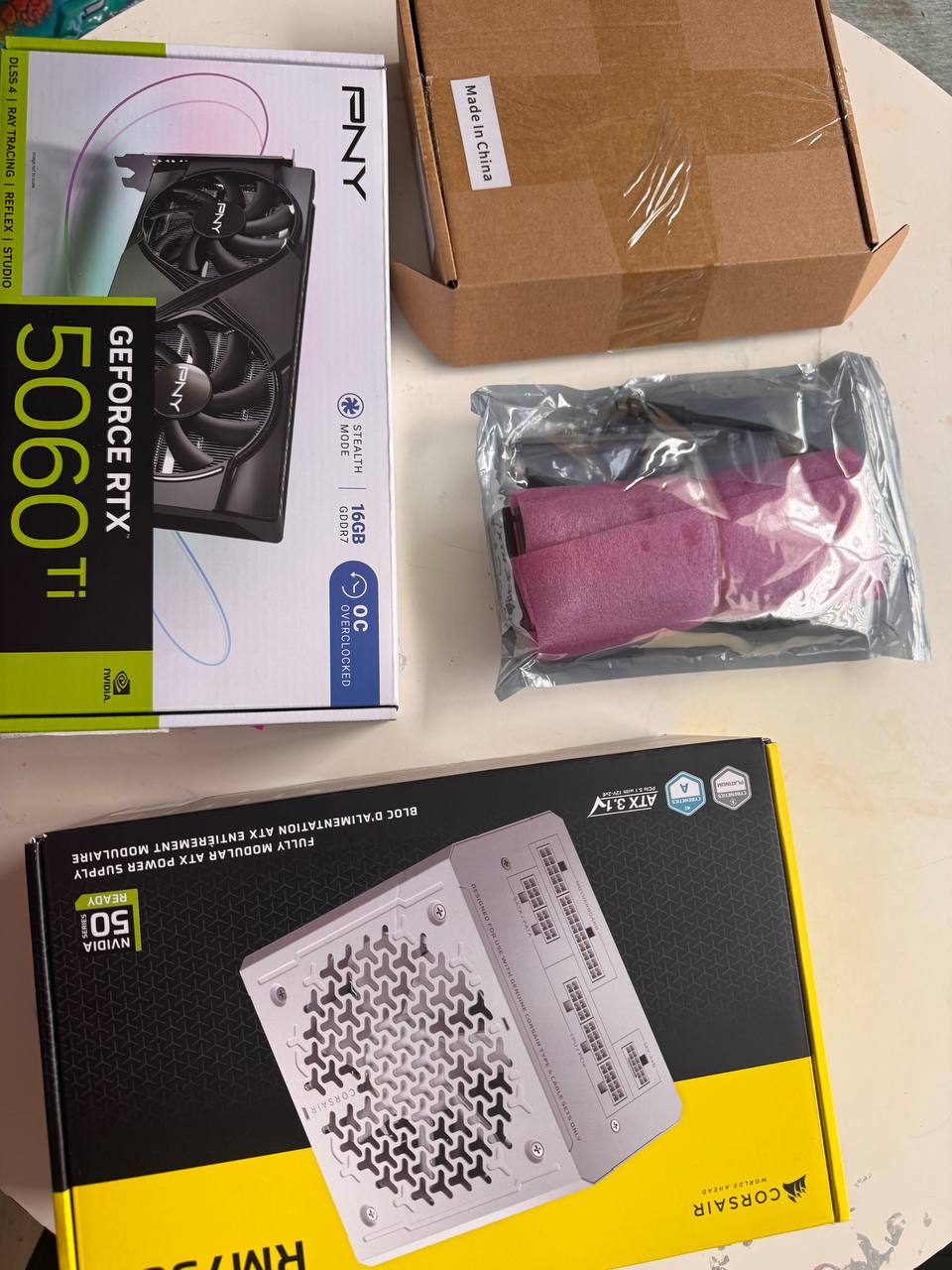
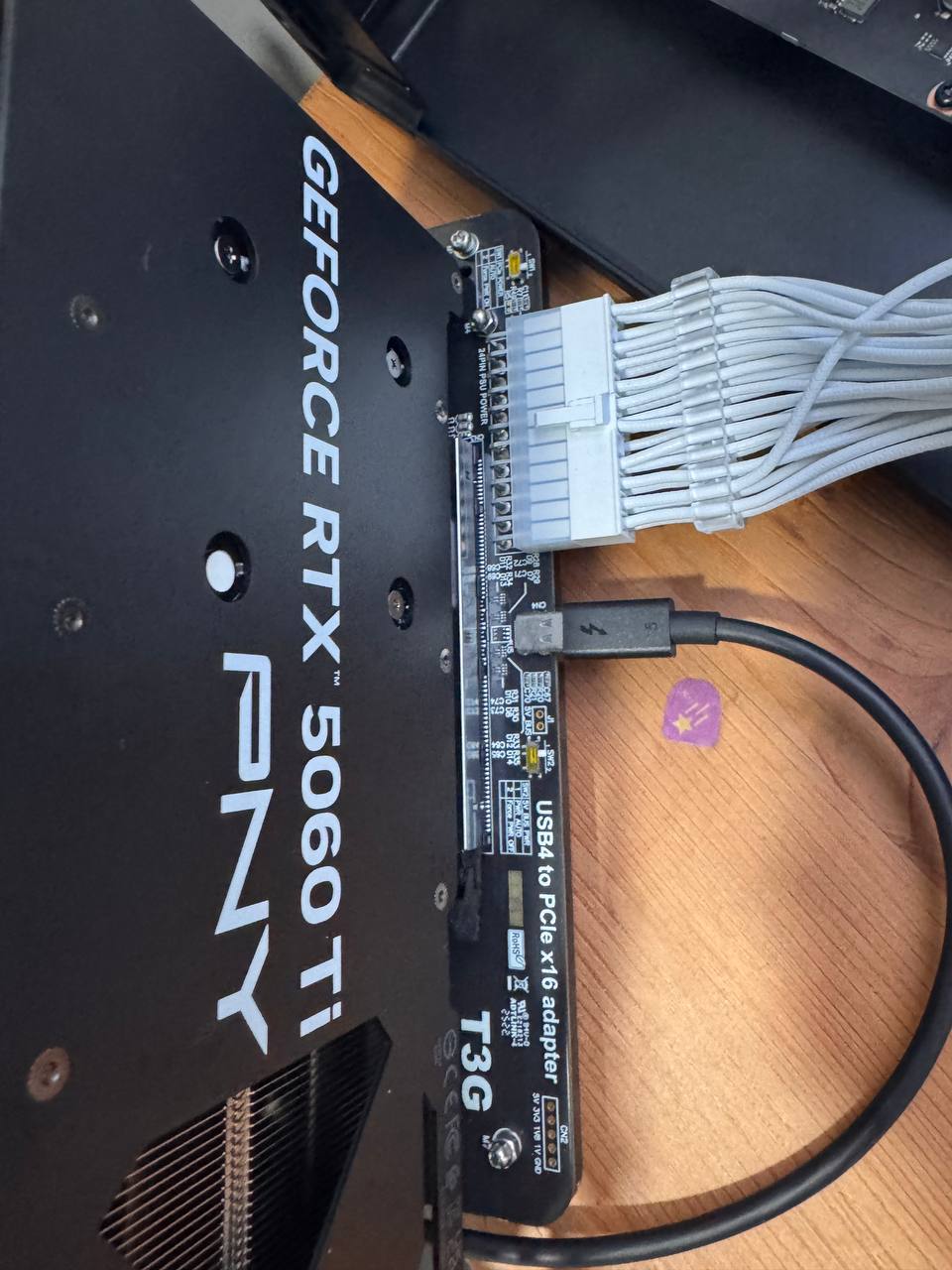
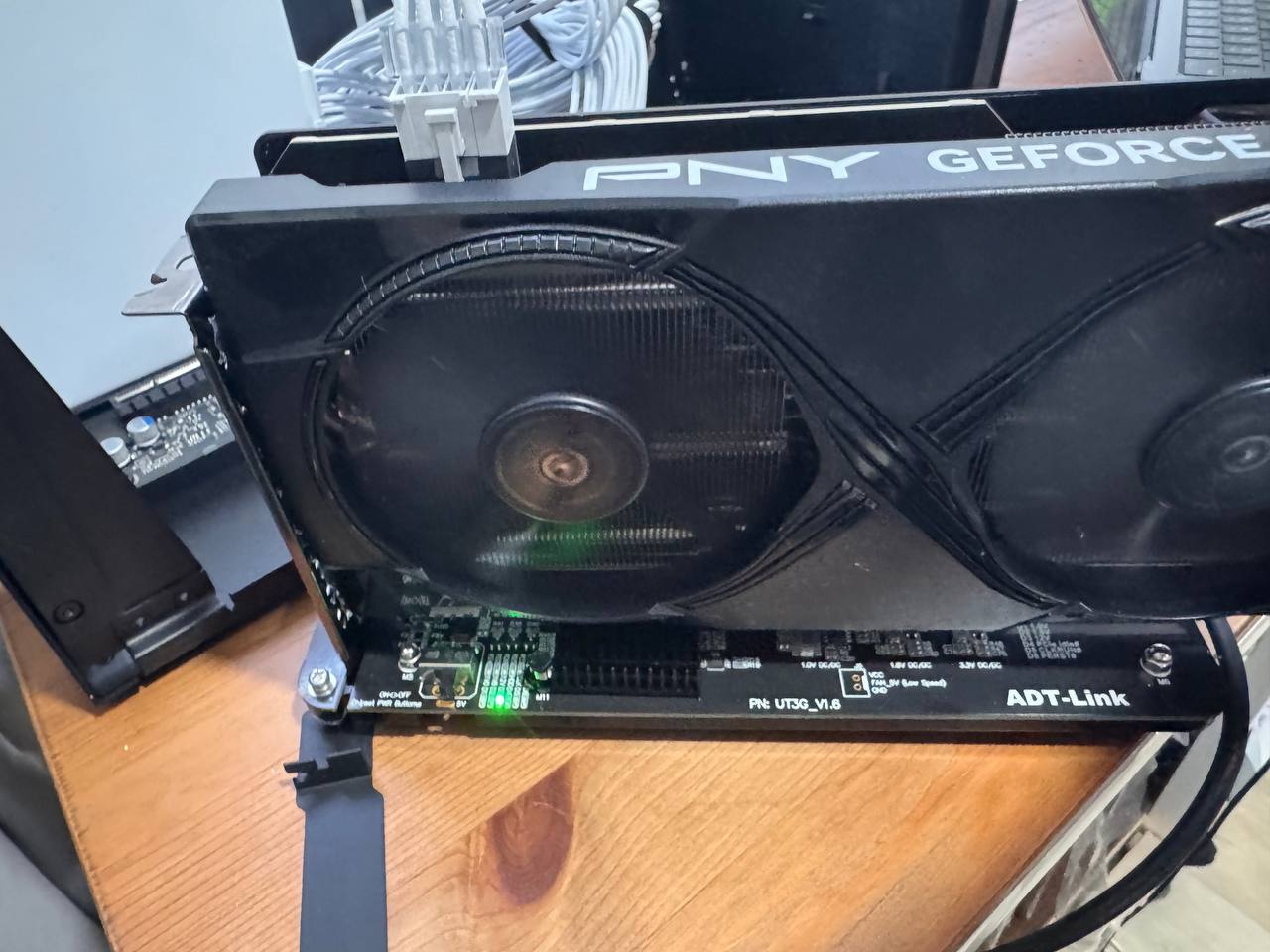
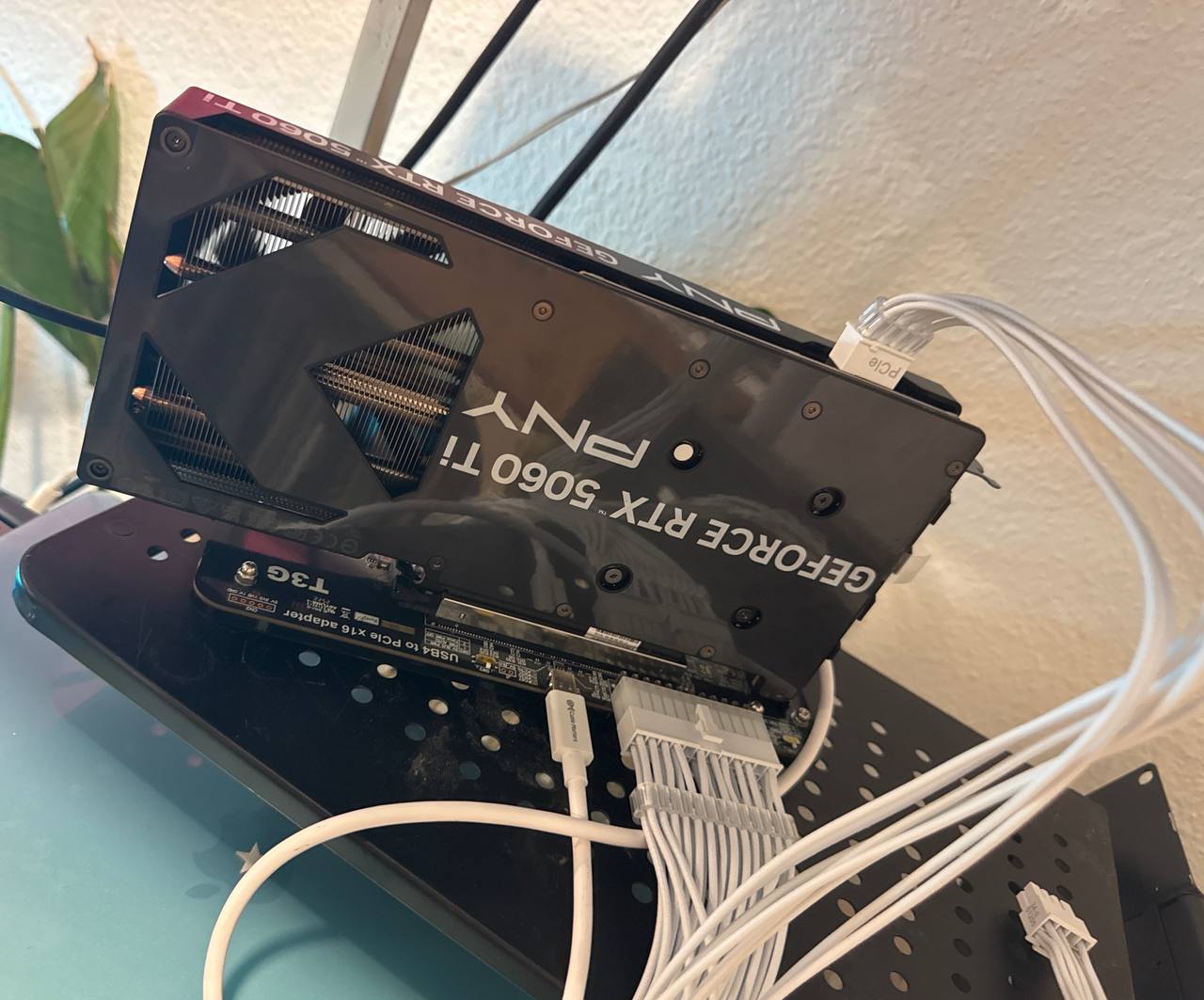
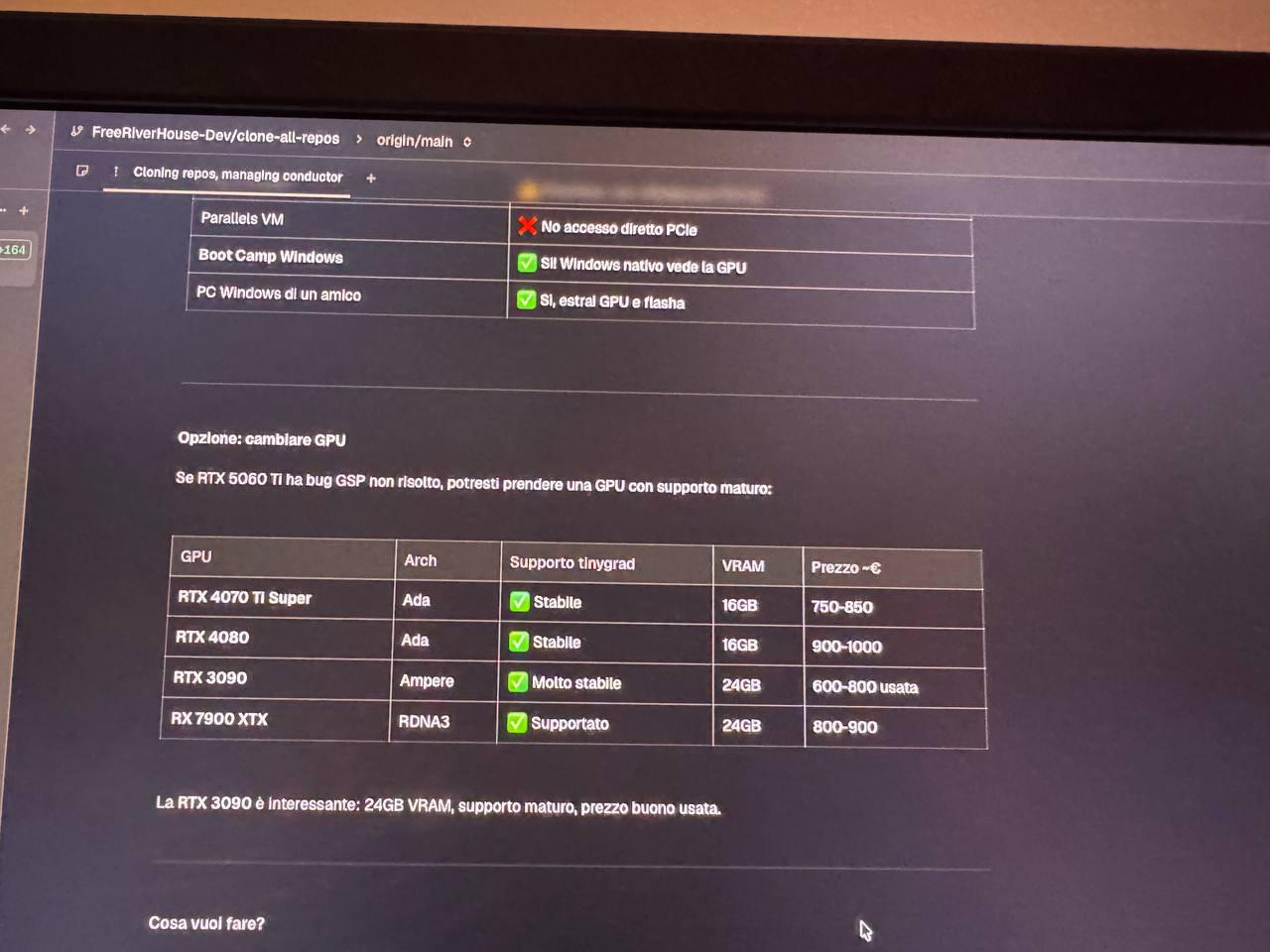
NVIDIA RTX 5060 Ti via eGPU
We also attempted an NVIDIA RTX 5060 Ti (Blackwell/GB206) via the same Thunderbolt setup. It doesn't work. The GSP (GPU System Processor) firmware fails during Display Engine initialization:
FBFLCN error: UNRECOGNIZED_CLIENT -> HUBCLIENT_CE0 -> HUBCLIENT_VIP
GSP_INIT_DONE returns NV_ERR_TIMEOUT
The 570.x firmware doesn't support Thunderbolt 4/USB4 bus types. This is a firmware-level limitation that can't be worked around.
🔬How to Reproduce
We're documenting this for the technically curious — not because we recommend it. If you want to run LLMs on a Mac, just use MLX or llama.cpp. Seriously.
Hardware
Any AMD RDNA2/RDNA3 GPU + Thunderbolt eGPU enclosure + Apple Silicon Mac
Software
TinyGPU.app (contact us for access)
Clone & patch
Clone TinyGrad and apply the float16 patch to tinygrad/nn/state.py
Run
AMD=1 AMD_LLVM=1 python3 -c \
  "from tinygrad import Device; print(Device['AMD'])"
If you see the AMD device, you're good. If not, check:
- Is TinyGPU.app running?
- Is the eGPU on the correct Thunderbolt port?
- Does
system_profiler SPDisplaysDataTypeshow AMD?
🪦Why We Moved On
After the initial excitement of “holy shit, it actually works,” we had to be honest with ourselves. This setup is:
Slow — 0.8 tok/s for LLaMA 8B vs ~15 tok/s on the same machine's native GPU via llama.cpp
Fragile — wrong Thunderbolt port? Doesn't work. TinyGPU.app not running? Doesn't work. macOS update? Might break everything.
Expensive — a 7900 XTX + eGPU enclosure costs more than upgrading to a Mac with more unified memory
Unnecessary — MLX on Apple Silicon is genuinely excellent now, well-supported, and getting better fast
We switched to MLX on an M4 Pro for all our production ML workloads. It's faster, simpler, and doesn't require praying to the Thunderbolt gods every time you plug in a cable. The eGPU now collects dust.
So why publish this?
- The technical details are real — the float16 patch, the TinyGPU.app approach, the GGML buffer alignment issue. Someone might find this useful.
- The NVIDIA failure data is valuable — if you're considering an RTX card via Thunderbolt, don't waste your money.
- Honest experiment logs matter — too many blog posts only share successes. We tried something ambitious, it worked technically, but it wasn't worth using. That's a valid outcome.
If Thunderbolt 5 (80 Gbps) and better AMD drivers ever materialize on macOS, this approach might become practical. But we're not holding our breath.
📄The Full Patch
--- a/tinygrad/nn/state.py
+++ b/tinygrad/nn/state.py
@@ -324,15 +324,15 @@
-    if ggml_type == 2: return (q_to_uint8(...) - 8) * blocks[:,:2]...
+    if ggml_type == 2: return ((q_to_uint8(...) - 8) * blocks[:,:2]...).cast(dtypes.float16)
     # Same pattern for types 3, 8, 12, 14, 39
# Add .cast(dtypes.float16) to the return valueBuilt by FreeRiverHouse — sometimes you learn more from the experiments that don't stick.